How it works
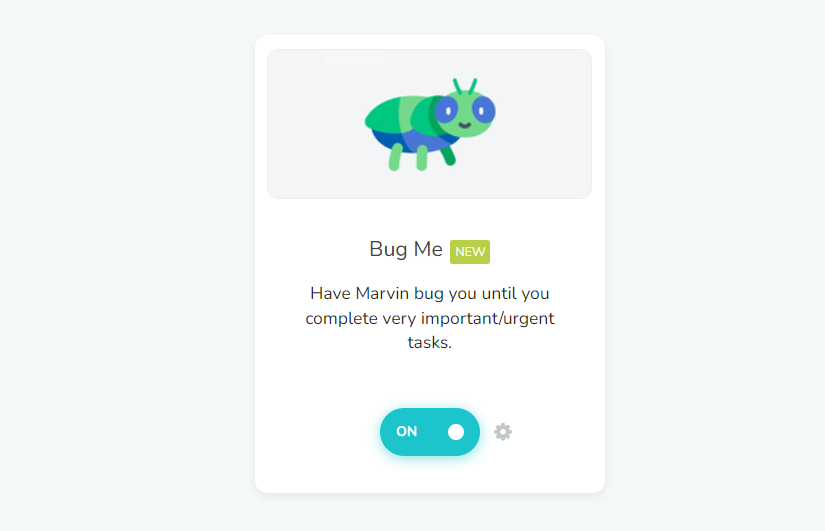
Some tasks are important, urgent or dreadful enough to be worth nagging about. Turn on Bug Me (☰ → Features → Bug Me), then use Bug me until done on a task or project and choose how often: 5m, 15m, 30m, 1h, 3h or Custom…. Marvin keeps reminding you until you mark it done.
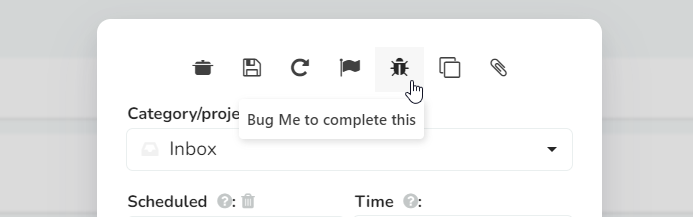
You can find Bug me until done in your hover buttons or right-click menu (add it from the feature's Access tab). It also shows in the reminder popover, under your reminder times, unless you turn off Show Bug me in the reminder popover in the Bug Me settings.

Marking the task done stops it. Dismissing a notification only clears that one reminder. Under Keep going you can also choose how long it should last: Today, 3 days, 7 days or Until done.
Settings
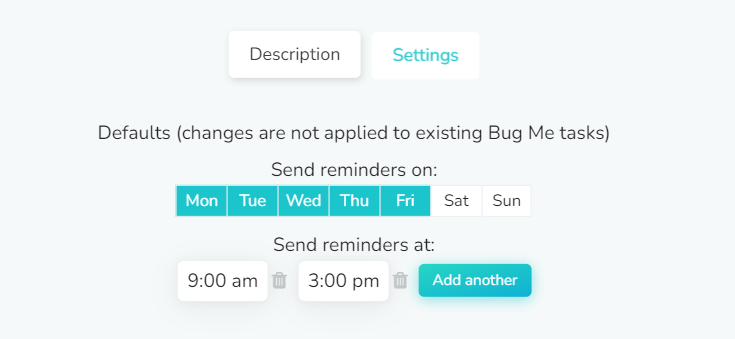
In the Bug Me settings you can set the defaults for Bug me every and Keep nagging for, and choose when Marvin may bug you under Only bug me: which days, and between which times. A reminder due outside that window waits until the window opens again.
Bug Me sends its reminders to your phone, so make sure you're signed in to the Marvin mobile app.
Note
This differs from Task Reminders in that Task Reminders are scheduled to arrive on a particular date at a particular time, whereas Bug Me reminders pop up periodically until you finish the task.
Extra tip
Be sure to try the Procrastination Wizard (☰ → Features → Procrastination Wizard) if you're still having trouble getting Bug Me tasks done.