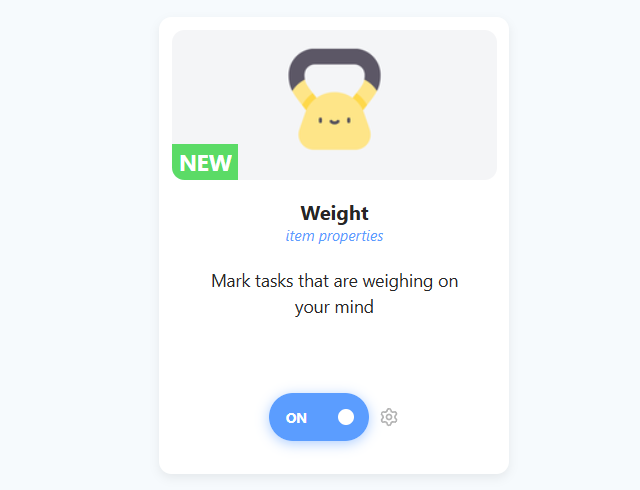
The Weight strategy helps you identify tasks that feel like a mental burden. These are the to-dos you can't stop thinking about, often because they have high stakes, emotional baggage, or consequences attached to them. Unlike a "Frog" (which is difficult/unpleasant to do), a "Weight" is defined by the stress it causes you simply by existing on your list.
How to enable
To enable this strategy, go to ☰ → Features/Strategies → Weight.
How to use
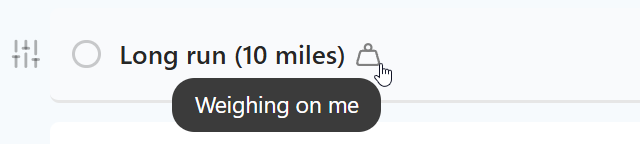
Once enabled, you can assign a "weight" to tasks to visualize their mental burden.
Adding Weight
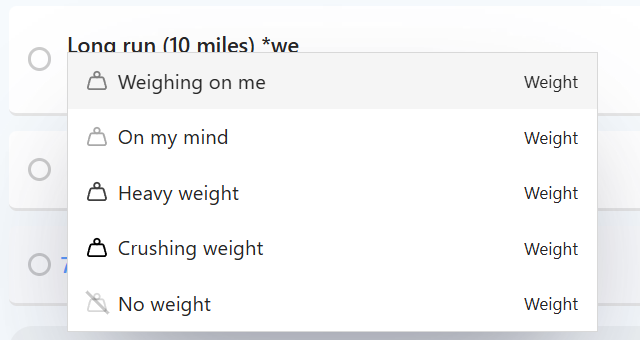
Type *weight in a task title and pick it from the menu. Or use the Set weight action in your hover buttons, Left Button or right-click menu.
Settings
You can customize the strategy to fit your needs:
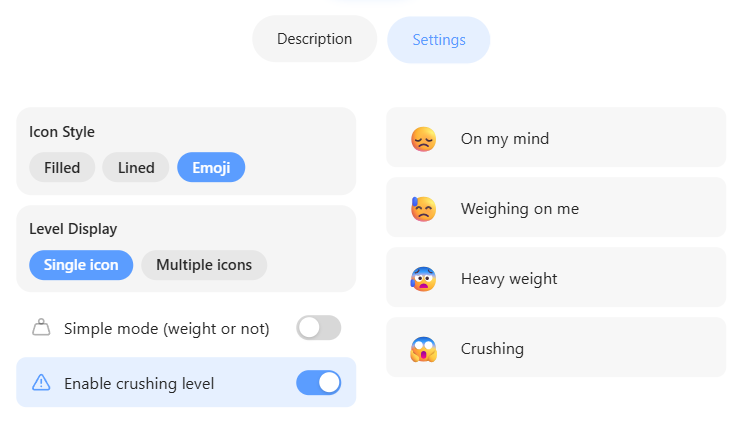
Simple mode (weight or not): on by default. Turn it off to get more levels: On my mind, Weighing on me and Heavy weight.
Enable crushing level: adds Overwhelming.
Icon Style and Use theme color: change how the icons look.