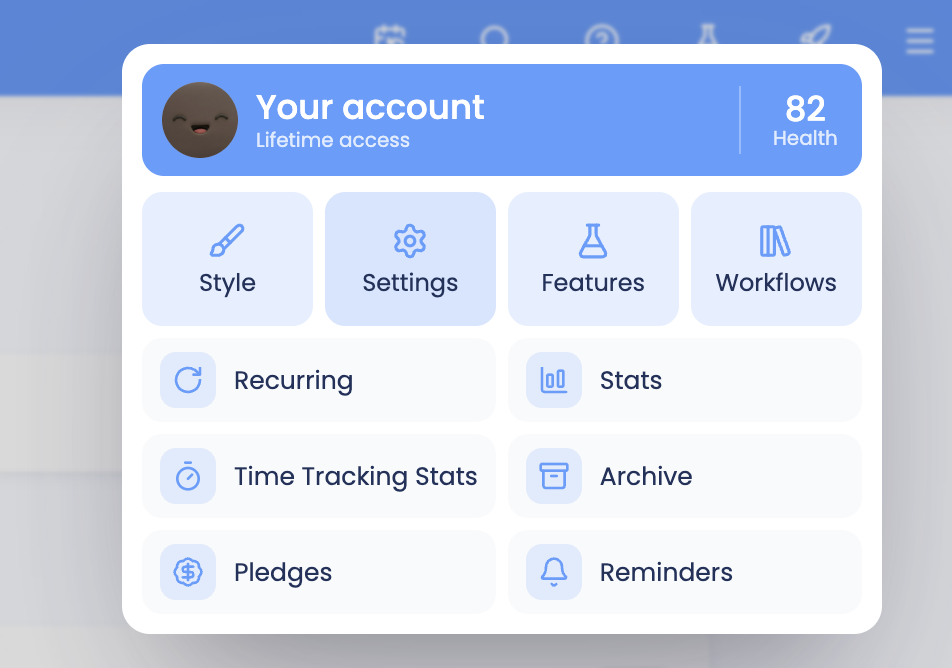
To set or change your work hours, first open settings in the top-right menu and click on Settings:
Then click the Work Hours panel/tab and set your work hours for each day of the week.
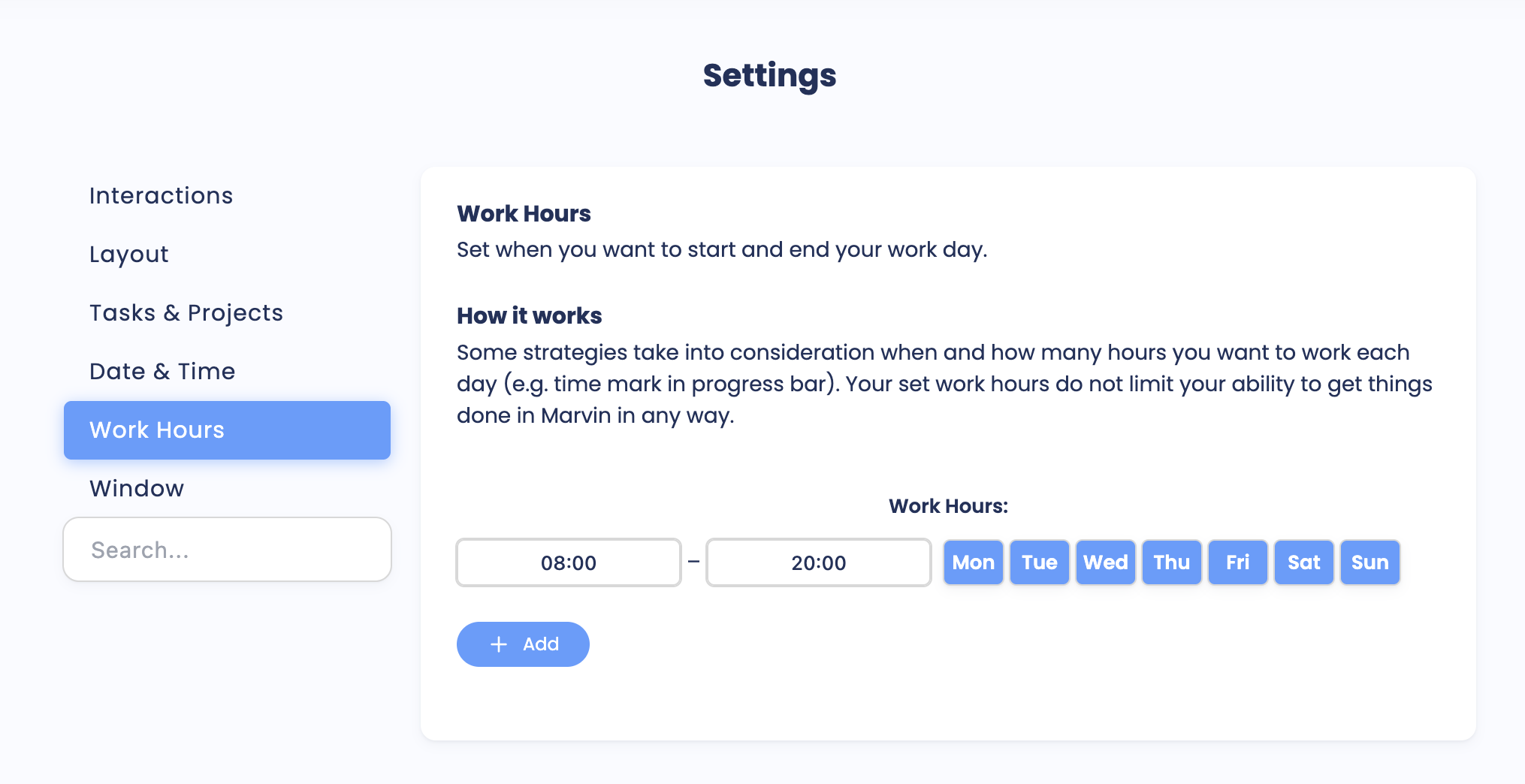
Click the Add button if you work different hours on different days.