Summary
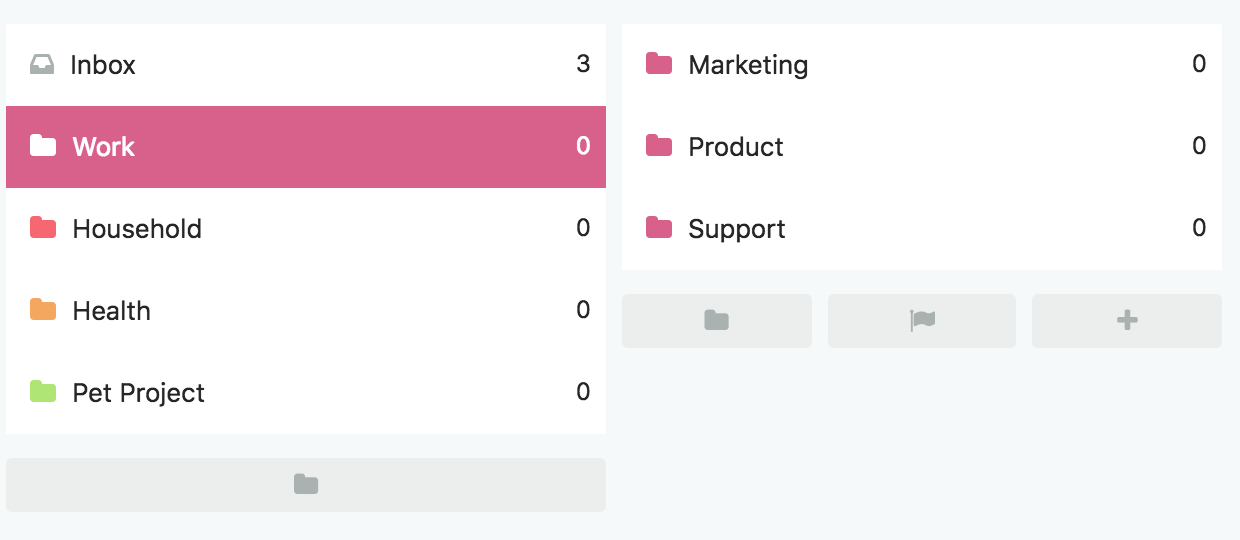
Categories (folder icon)
Categories are static folders that give your Master List a structure.
They can hold projects and tasks.
You can nest them infinitely.
Think of a category as an area of responsibility.
There should be no overlap between the categories. For each task and project it should be clear where they belong.
Examples
Tasks (checkbox)
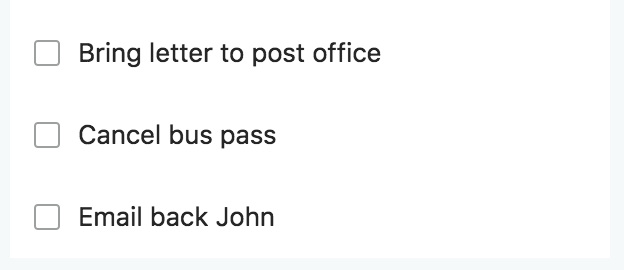
Tasks are your single actionable steps.
Ideally, it is something you can complete in one work session with no break.
For most people it is ideal to keep a task under 1h.
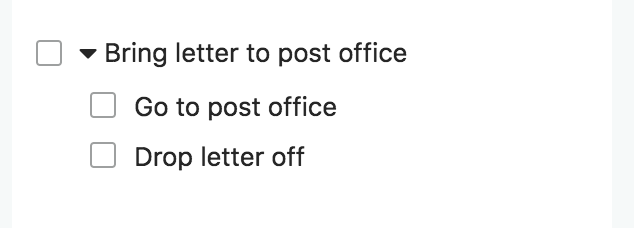
Tasks can have subtasks that act like a checklist. Subtasks can't have their own dates, labels etc.
Projects (flag icon)
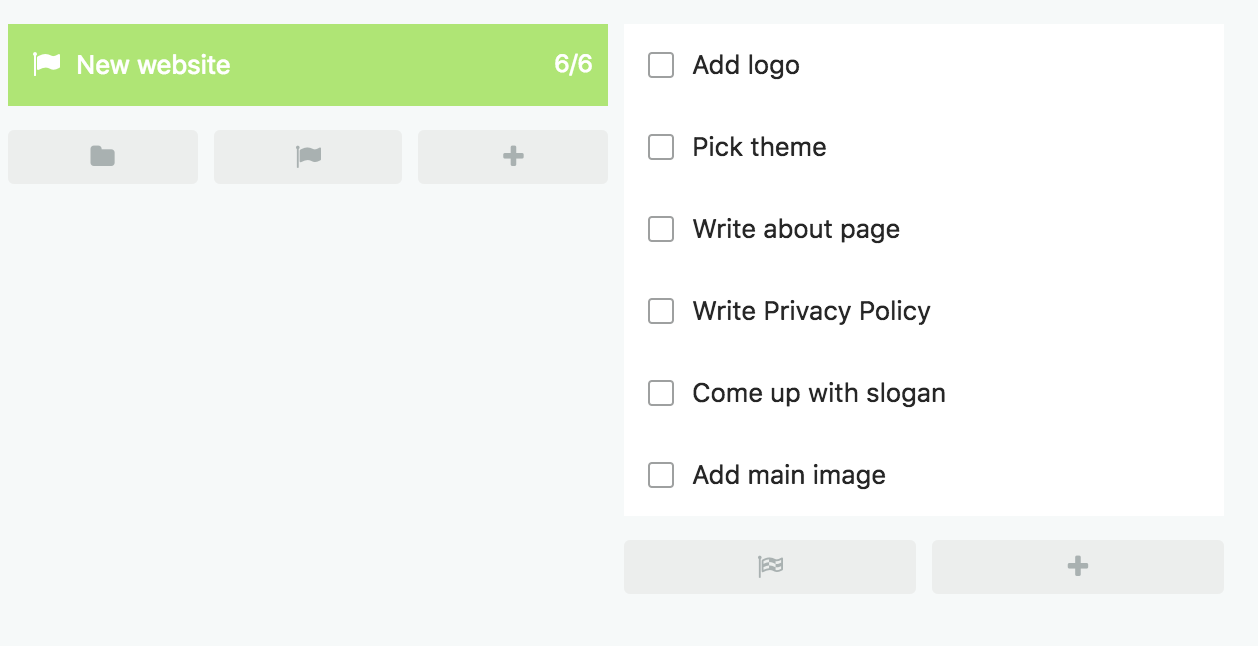
Projects are large multi-step to-dos.
Anything you would consider a project in real life should be a project in Marvin.
Projects can contain subprojects and tasks.