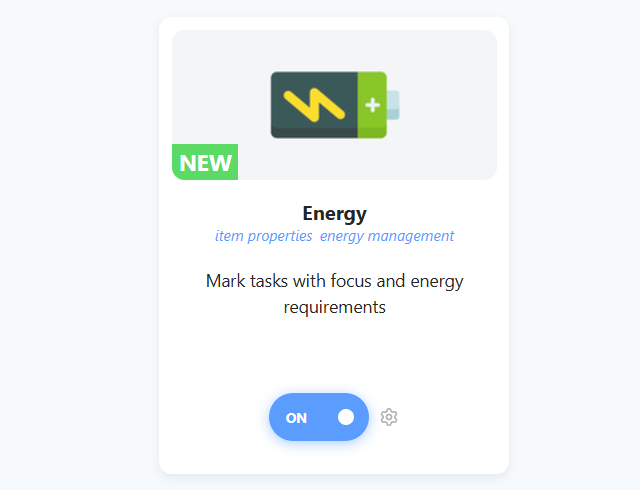
The Energy strategy helps you match your work to your current mental and physical state. Instead of treating all tasks as equal, you can explicitly mark them based on how much brainpower or vitality they require.
This is a built-in replacement for what many users previously built manually using Tags/Labels. Now, you can have native support for energy management right in the item properties.
How to enable
To enable this strategy, go to ☰ → Features/Strategies → Energy.
How to use
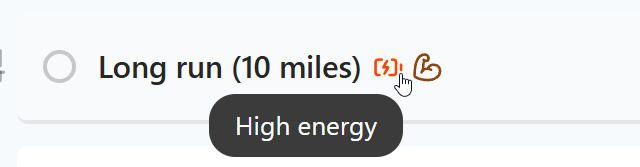
Once enabled, you can assign three different types of requirements to your tasks: Focus, Energy, and Physical.
Adding Energy Properties
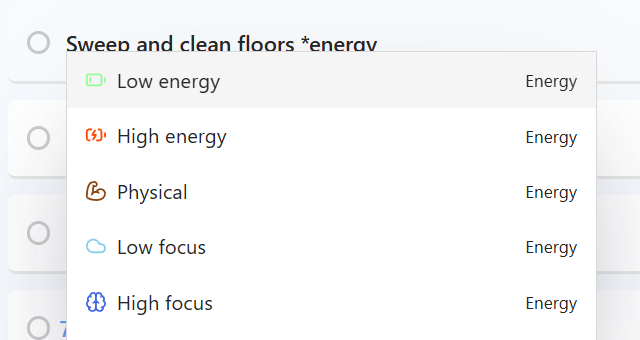
Type *low focus, *high focus, *low energy, *high energy or *physical in a task title and pick it from the menu. Or use the Set energy action in your hover buttons, Left Button or right-click menu.
Settings
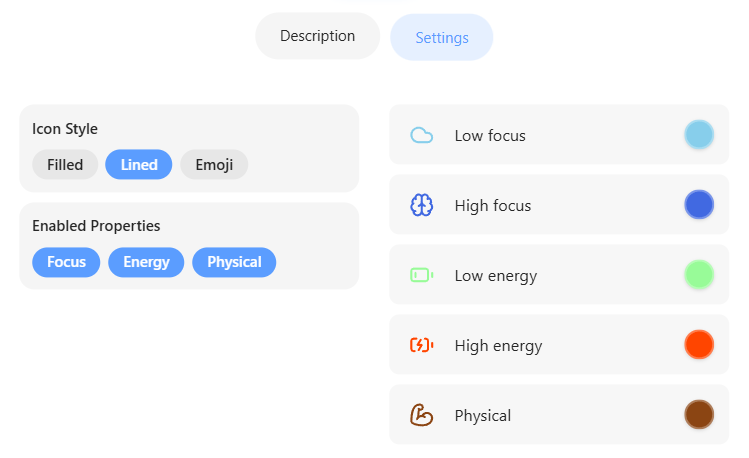
You don't have to use all of these! In the strategy settings, you can toggle exactly which indicators you want to see:
Under Enabled Properties, choose Focus, Energy and/or Physical.