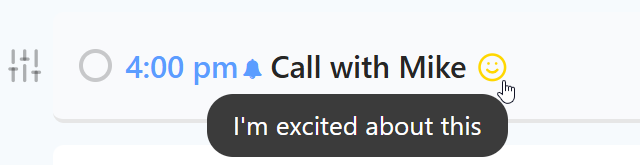
The Positive Feelings strategy allows you to mark tasks that you genuinely look forward to. While many productivity tools focus on the negative (urgency, deadlines, difficulty), this strategy helps you focus on the positive to maintain momentum and balance your workload.
How to enable
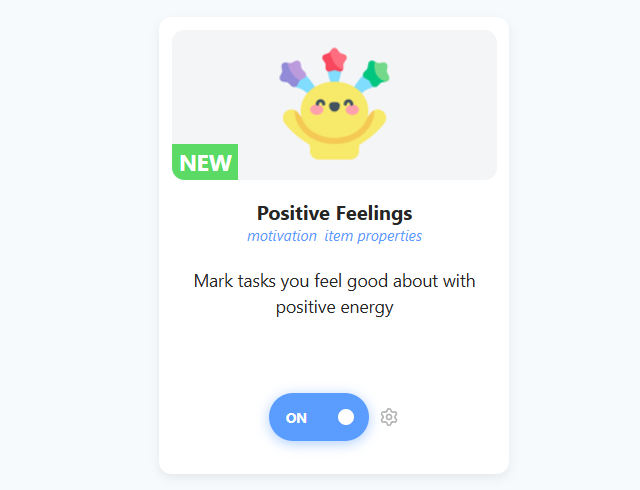
To enable this strategy, go to ☰ → Features/Strategies → Positive Feelings.
How to use
Once enabled, you can tag tasks with different positive attributes to indicate why you want to do them.
Adding Positive Feelings
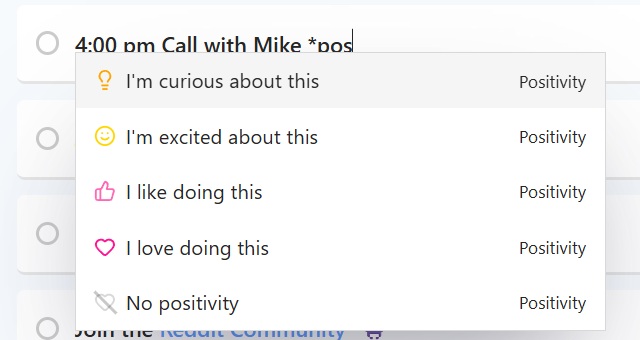
Type * in a task title followed by a feeling, for example *curious or *like, and pick it from the menu. Or use the Set positive energy action in your hover buttons, Left Button or right-click menu.
Settings
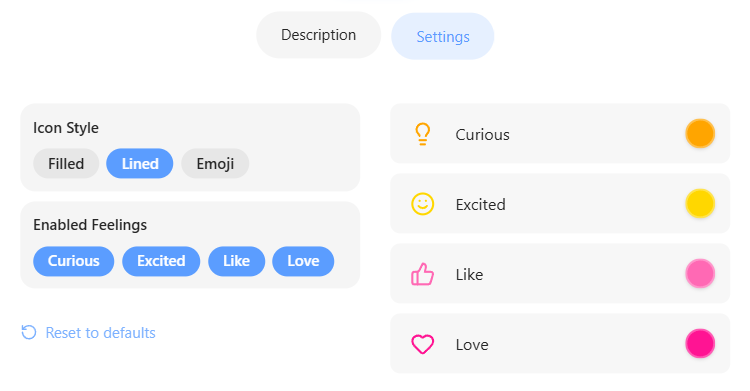
You can choose exactly which positive feelings you want to track. In the strategy settings, you can toggle each feeling on or off:
The feelings are Curious, Excited, Like and Love.