If you want to get the most out of Marvin, one of the first things to really understand is the difference between a do and due date. But no worries. This is quite simple.
Due dates
Due dates get applied to tasks and projects when they have a strict deadline.
This means a given task or project has to be completed by a certain due date (deadline), but of course want to do the actual work before this due date not on the day of (which is where do dates come in!).
Examples:
How to add
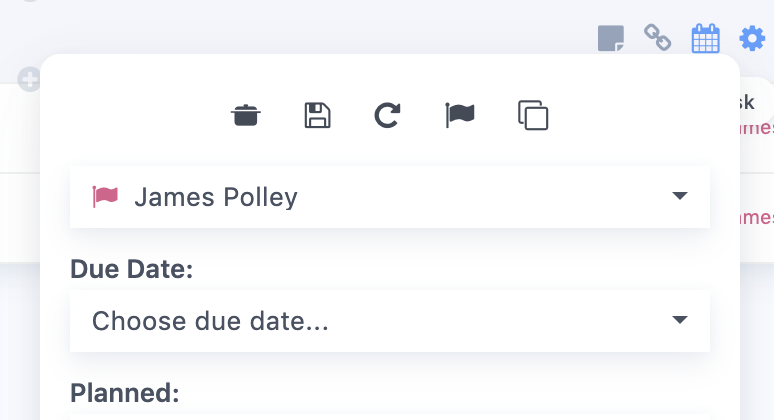
Due dates are added via the edit (cog) button on a task/project or with the shortcut "due":
Typing these task will automatically apply the specified due date.
Do Dates
Do dates are not that easy to find in other apps, but they make a lot of sense.
A do date means the day on which you intend to "do" the task. This can also be called a schedule date as you are basically scheduling a task for a certain day.
Think of it like an appointment in your calendar but with an optional time (you can specify an exact time, but don't have to).
Examples:
How to add
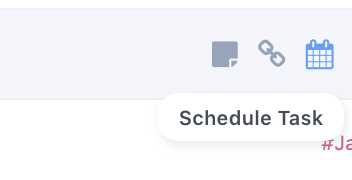
Do dates get applied through scheduling. Clicking the little calendar icon on the right of a task or projects let's you schedule your task into a day, giving it a "do date".
You can also use the shortcut "+" to assign do dates: