If your "Today" list still feels too long or overwhelming, Spotlight helps you narrow your focus even further. Instead of managing the whole day, this strategy helps you plan just your next work session (e.g., 1 to 3 hours of focused work before a break).
It sits at the very bottom of the planning funnel: while Orbit holds your current priorities and Today holds your plan for the day, Spotlight is for right now.
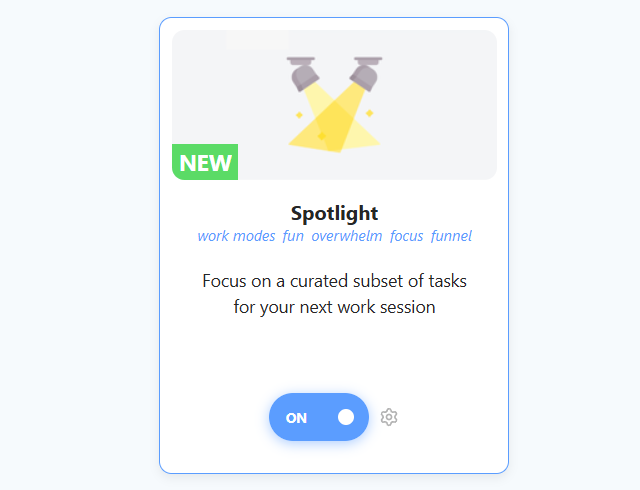
How to enable
To enable this strategy, go to ☰ → Features/Strategies → Spotlight.
How to use
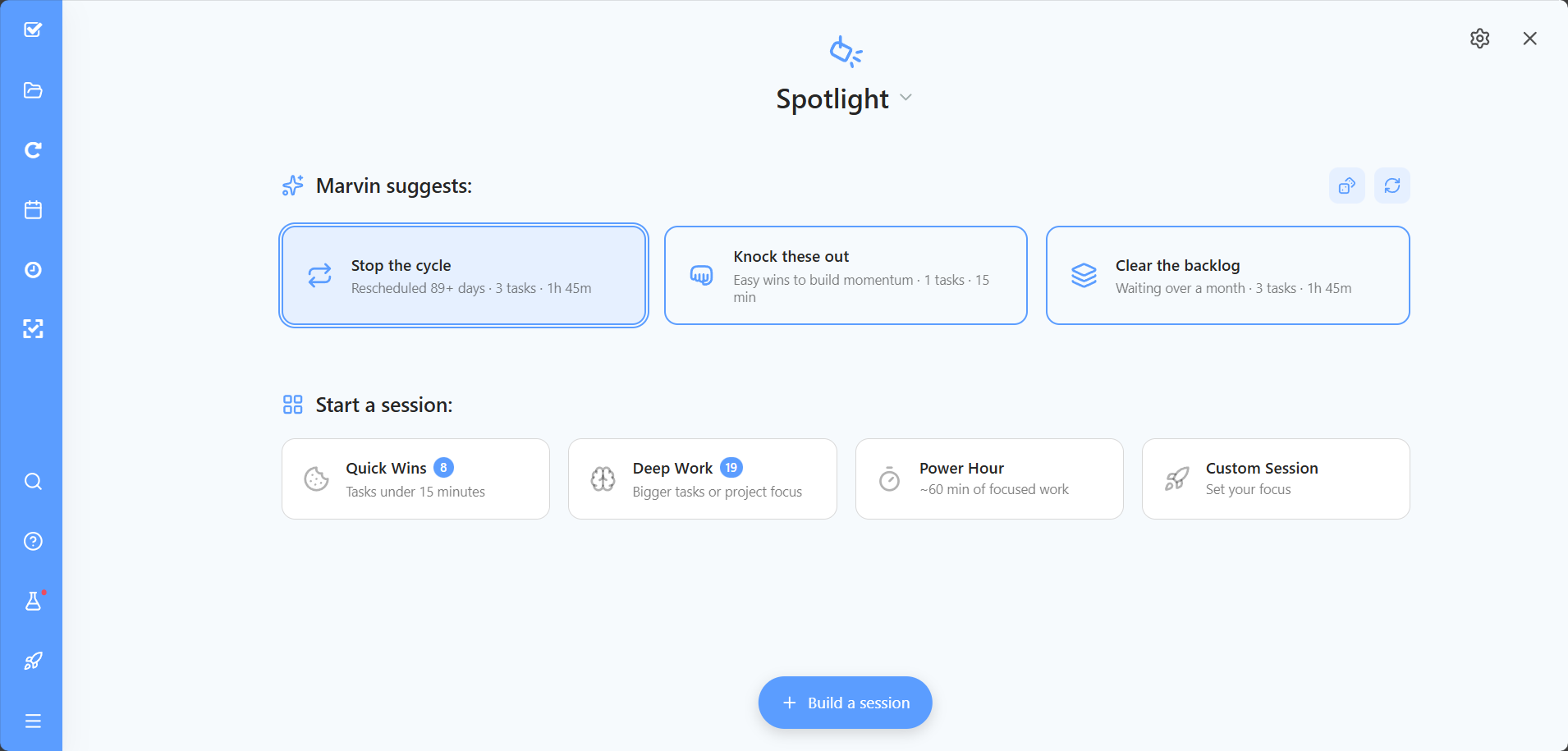
Once enabled, you can open Spotlight directly from your sidebar (or skinny sidebar, or bottom menu, depending on where you added it), or press Y, to start a session.
1. Choose a Session Type: Marvin gives you several ways to build your session:
Suggested sessions: Marvin suggests a few sessions based on your tasks. You can choose how many in the settings.
Quick Wins: tasks under 15 minutes.
Deep Work: bigger tasks or project focus.
Power Hour: about 60 minutes of focused work.
Custom Session: say what you want to accomplish and pick a duration.
Build Your Session: click + on tasks in the Bottom Drawer to add them to your session, then click Start Session.
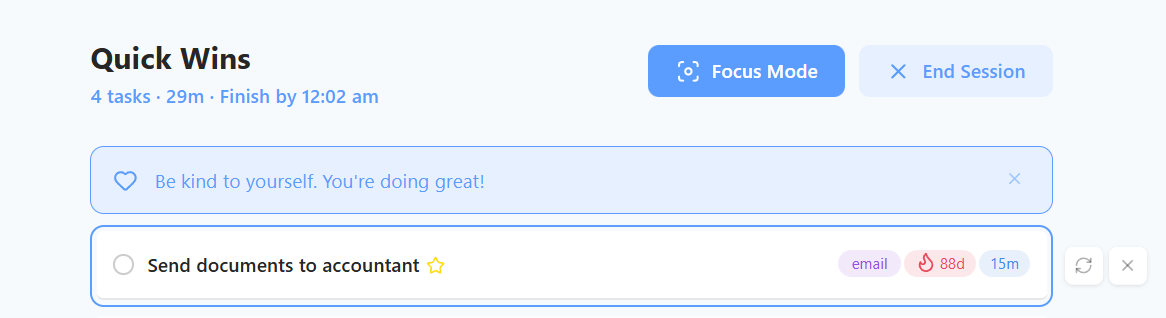
2. Focus & Complete Once you start, you enter a focused mode showing only the tasks in that session. This helps reduce overwhelm by hiding everything else you have to do later.
The Reward
If you manage to complete all the tasks in your Spotlight session, you get a special celebration: Dancing Marvin!. It's a fun little dopamine hit to reward you for a productive session.
Why use this strategy?
Spotlight is great if your day list feels overwhelming, or if you want to plan focused work sessions with a small, manageable set of tasks.