The Importance Levels strategy allows you to distinguish between tasks that are urgent (time-sensitive) and tasks that are truly important (valuable to your long-term goals).
Note: Long-time users might remember this feature as "Priority Stars/Levels."
How to enable
To enable this strategy, go to ☰ → Features/Strategies → Importance Levels.
How to use
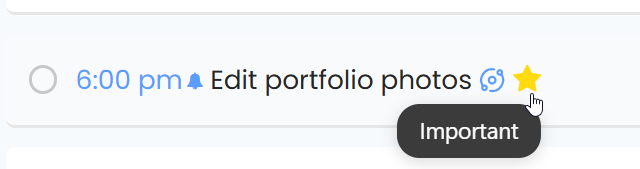
Once enabled, you can assign importance levels to both Tasks and Projects.
Assigning Importance
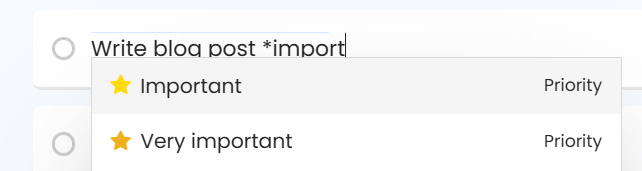
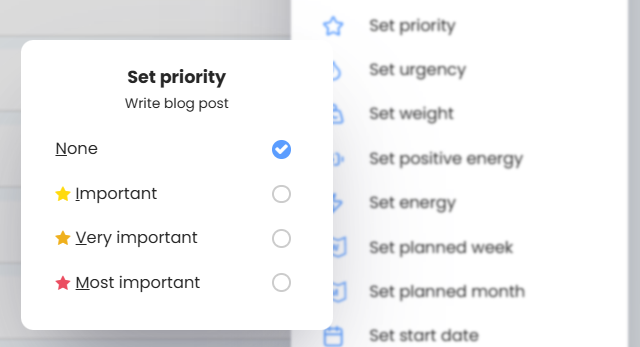
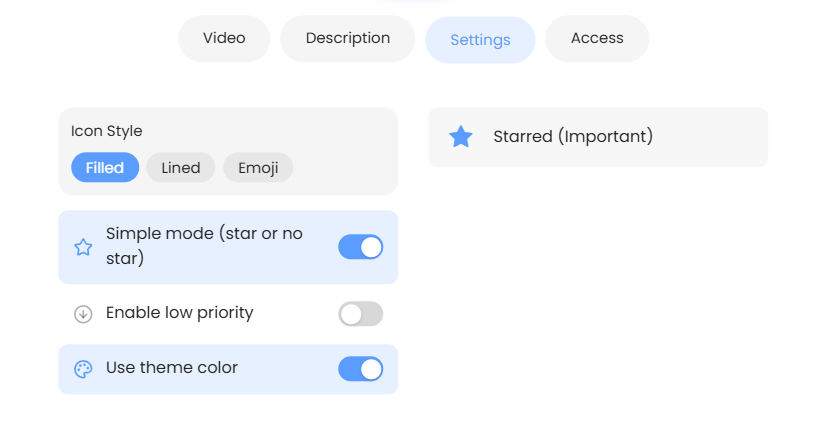
By default, Marvin starts in "Simple Mode," but you can unlock more levels in the settings:
Settings
You can customize exactly how this feature behaves:
Why use this strategy?
The Eisenhower Matrix: Combine Importance Levels (Stars) with Urgency (Fire) to instantly see which tasks are "Important & Urgent" vs. "Important but Not Urgent."
Focus Filters: When you have 50 tasks for the day, filtering by "Important" helps you identify the 3-5 tasks that actually move the needle.