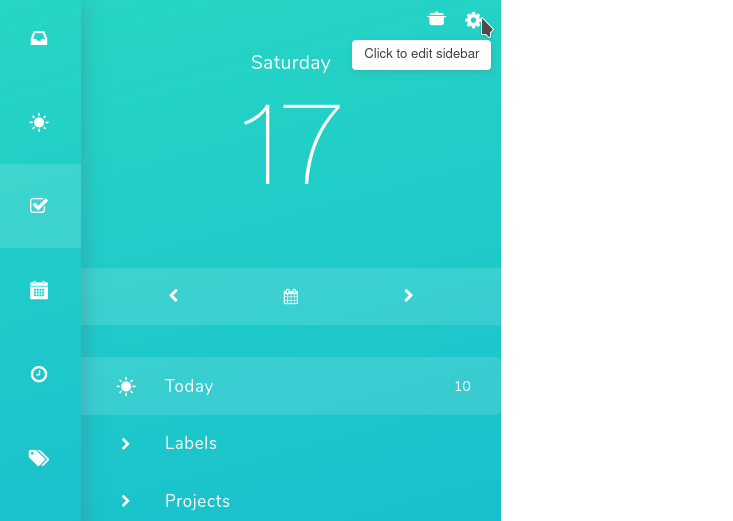
To add something to the Sidebar, first go to the sidebar settings. You can do that by going to ☰ → Features → Sidebar, or by clicking the cog icon (Customize Sidebar) at the top of the sidebar:
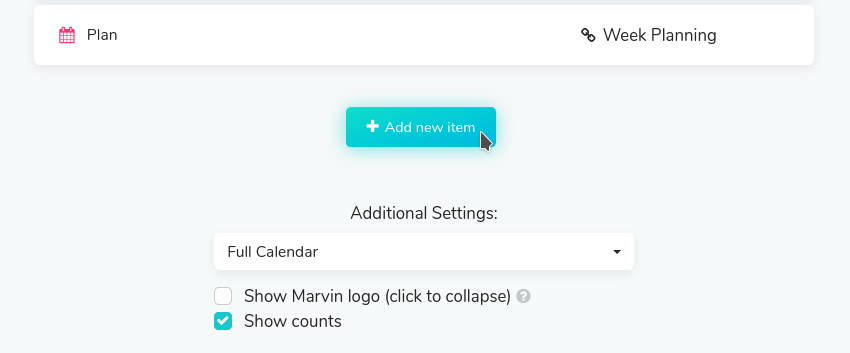
After that, scroll down until you see the "Add new item" button and click on it:
After that you can choose one of the following options. Keep in mind that some of them will only show up if a certain strategy is activated:
Custom Screen
Label
Category/Project
External Link
Internal Link
One-click-Timer
Fast Add Button
Divider
List View
Categories
Most Important Projects (MIPs)
Properties
Goal and Goals
Global Filter Shortcut and Global Filter Picker
Projects
Related articles:
- How can I add projects to the sidebar?
- How to add one-click timers in the custom sidebar
Did this answer your question?