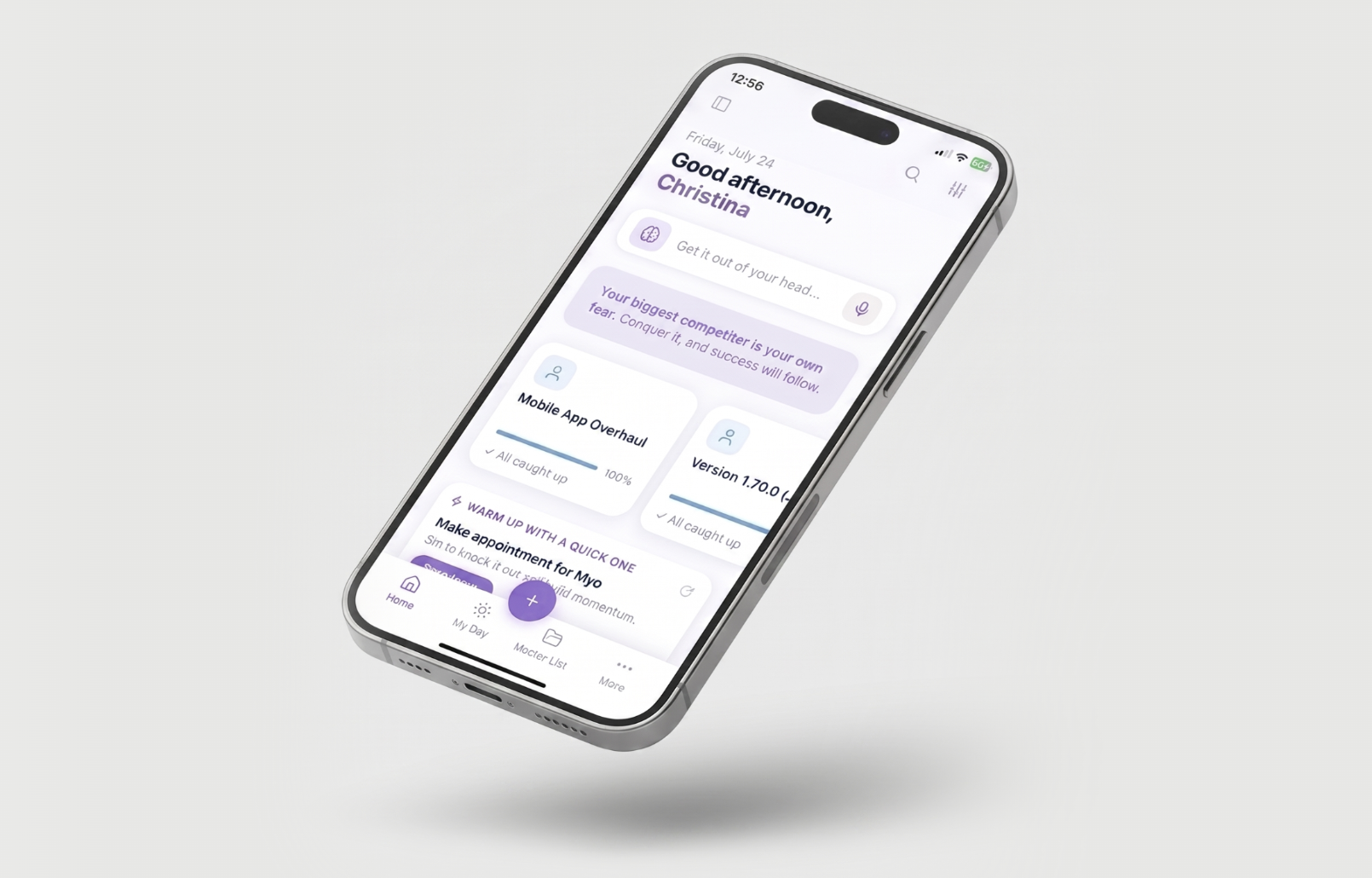
Marvin runs in your browser, on your computer and on your phone. Log in with the same email and password everywhere and your tasks stay in sync.
Where you can use Marvin
Web Chrome, Firefox, Safari or Edge app.amazingmarvin.com
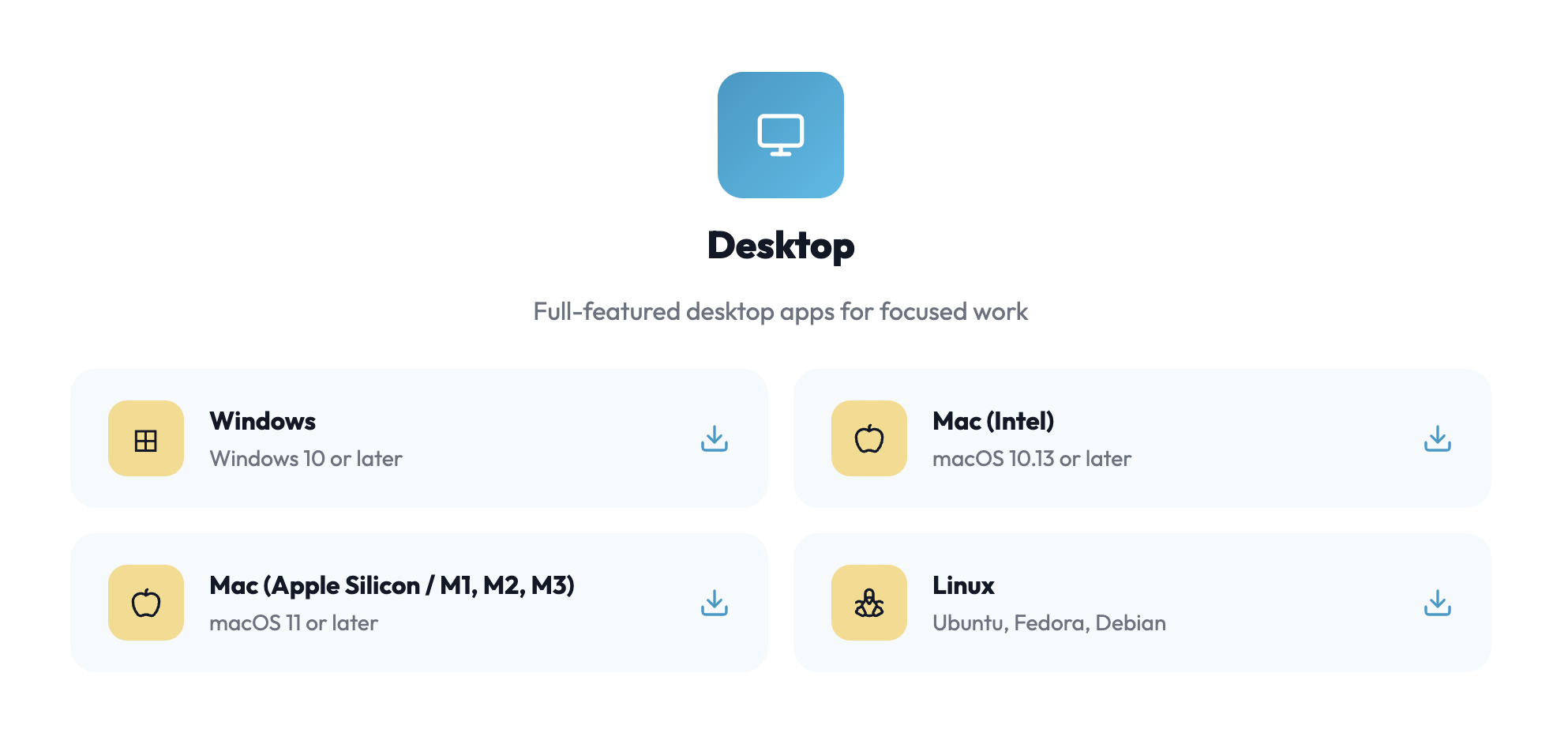
Mac macOS 10.13 or later (Intel) or macOS 11 or later (Apple Silicon) amazingmarvin.com/download
Windows Windows 10 or later amazingmarvin.com/download
Linux Ubuntu, Fedora or Debian amazingmarvin.com/download
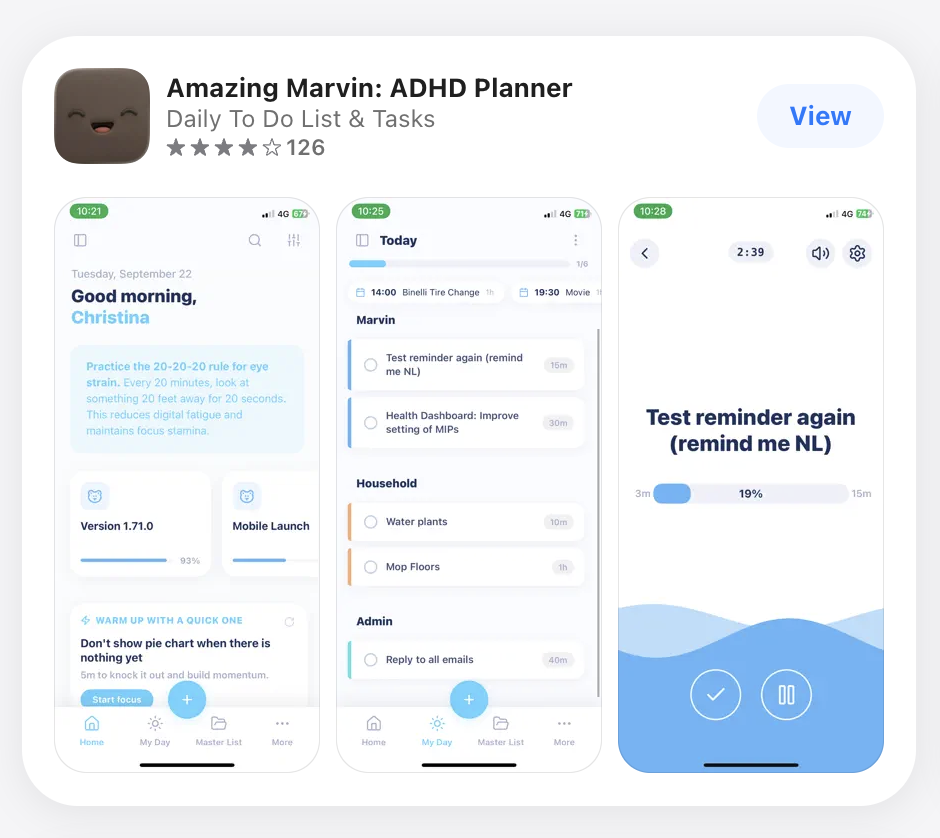
iPhone and iPad iOS 13 or later App Store
Android Android 7.0 or later Google Play
Installing the desktop app
Go to amazingmarvin.com/download.
Pick your system. On a Mac, choose Apple Silicon if your Mac has an M-series chip, or Intel if it's older.
Open the file you downloaded and install it like any other app.
Open Marvin and log in.
Not sure which Mac you have? Click the Apple menu in the top left of your screen and choose About This Mac. If it says "Chip: Apple M1" (or M2, M3 and so on), you have Apple Silicon.
Windows shows a warning when installing? This can happen right after a new release while Windows gets to know the new version. Choose More info and then Run anyway. If you're unsure, contact us before installing.
Installing the mobile app
Open the App Store or Google Play on your phone.
Search for Amazing Marvin, or use the links in the table above.
Install it, open it and log in with the same email and password you use on your computer.
How sync works
Your tasks save on your device first, then sync to your other devices when you're online.
The desktop and mobile apps keep working without internet. Changes you make offline sync the next time you're connected.
If something hasn't appeared on another device, give it a moment while online. If it still doesn't show up, see Troubleshooting sync.
Tip: If you see a cloud icon with a slash through it in the sidebar, sync isn't working right now. Click it to see what's going on.
Tablet Computers
We don't have dedicated iPad apps yet.
But you can use the web app on tablet computers.
You probably want to adjust some of the settings to make it easier to use on tablets. We will be adding more options and improvements to make Marvin easier to use on tablet computers. Stay tuned!