Do you want to change the order in which your recurring tasks show up in "Today" list or in your Master List?
To do that, open the main menu and click Recurring, because that's where the order of these items is set. Drag and drop the recurring tasks to change their order.
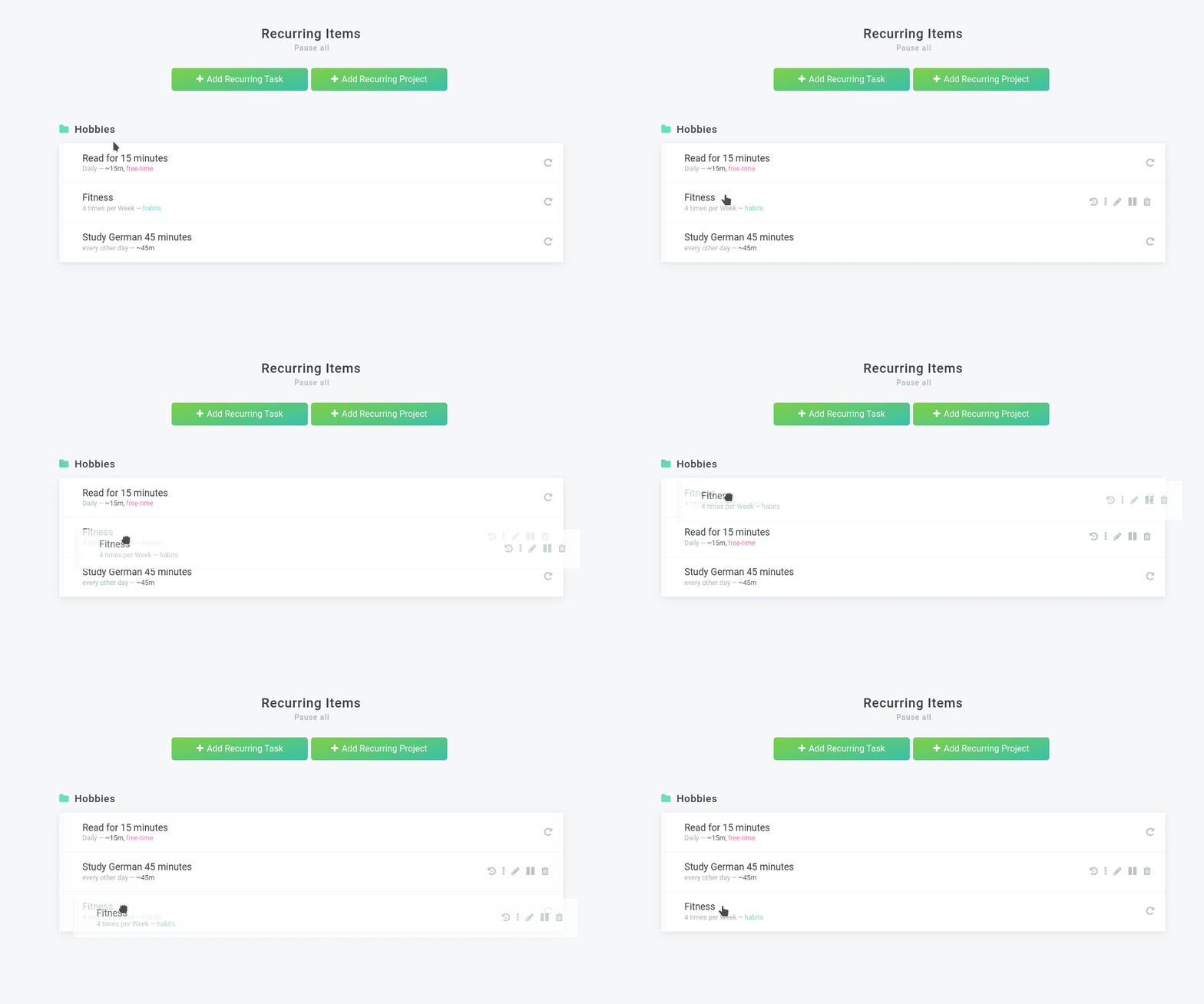
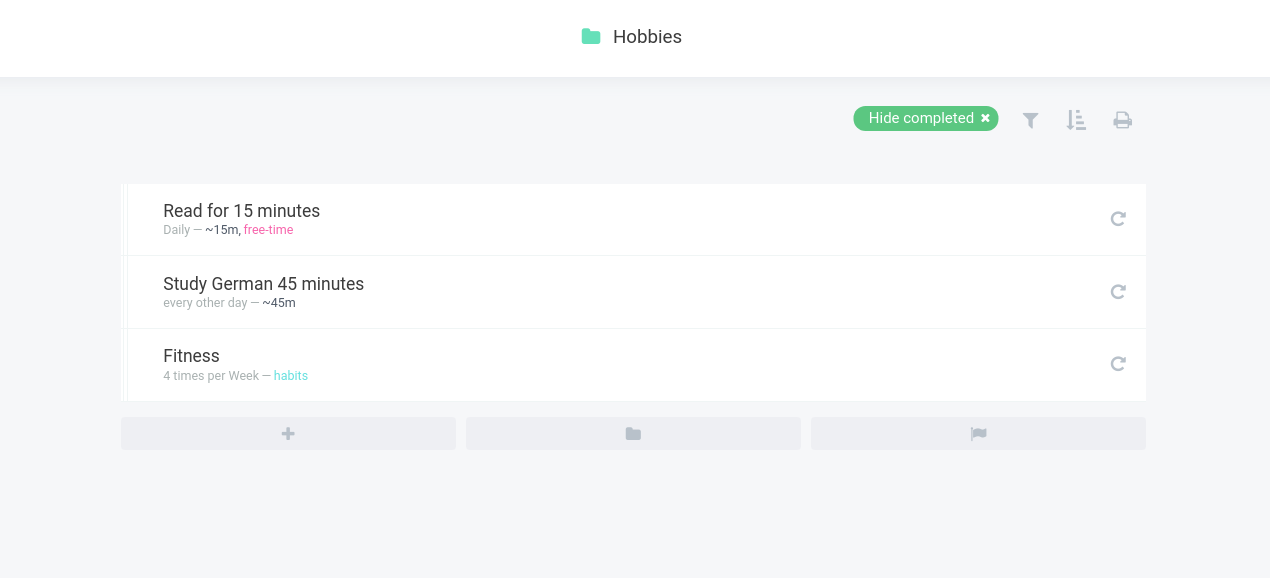
Keep in mind that depending on the number of your tasks it might take a bit for Marvin to process these changes. The following screenshot shows how the Hobbies category looks like after changing the order.
Did this answer your question?