Let's say you have a daily to-do list and are using the essential/bonus sections to split up your day. You then want to only put the "essential" tasks into the jar to work off.
To do this, filter your list first by the essential section. Then open the ⋯ menu and click Task Jar.
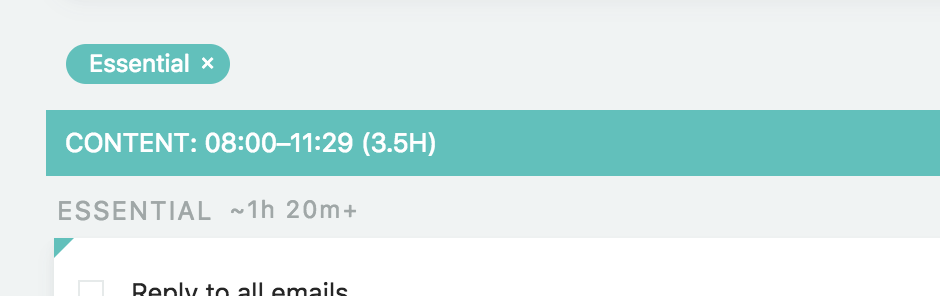
Filtering by section
To quickly filter by a section, just click the section header.
Filtering by label or project/category
Hold the shift key down while pressing on label or #tag underneath the task title (is using category context ) to filter by a label or parent.
Other filters
Open the ⋯ menu at the top right of the list and click Filter to get lots of other filter options. To filter by task title, turn on Quick filter in the same menu and start typing.
By first creating a Smart List and then filtering by it you can filter you list by virtually any attribute.